Create a payment
Set the amount and start from a link, QR code or checkout.
Bank payments for European businesses
Send a payment link, show a QR code or add Paydot to checkout. Your customer chooses their bank and approves the payment there. You track the result in Paydot.
Compare
Card modelled at a blended 2.2% + €0.25. Your card rate may differ. Paydot is not VAT-registered, so no VAT is charged.
How it works
Set the amount and start from a link, QR code or checkout.
They choose their bank and approve using their bank’s own flow.
The amount, reference and latest status appear in Paydot.
Made for real payments
From a QR beside the till to a payment link on a phone, Paydot fits the moment without taking it over.
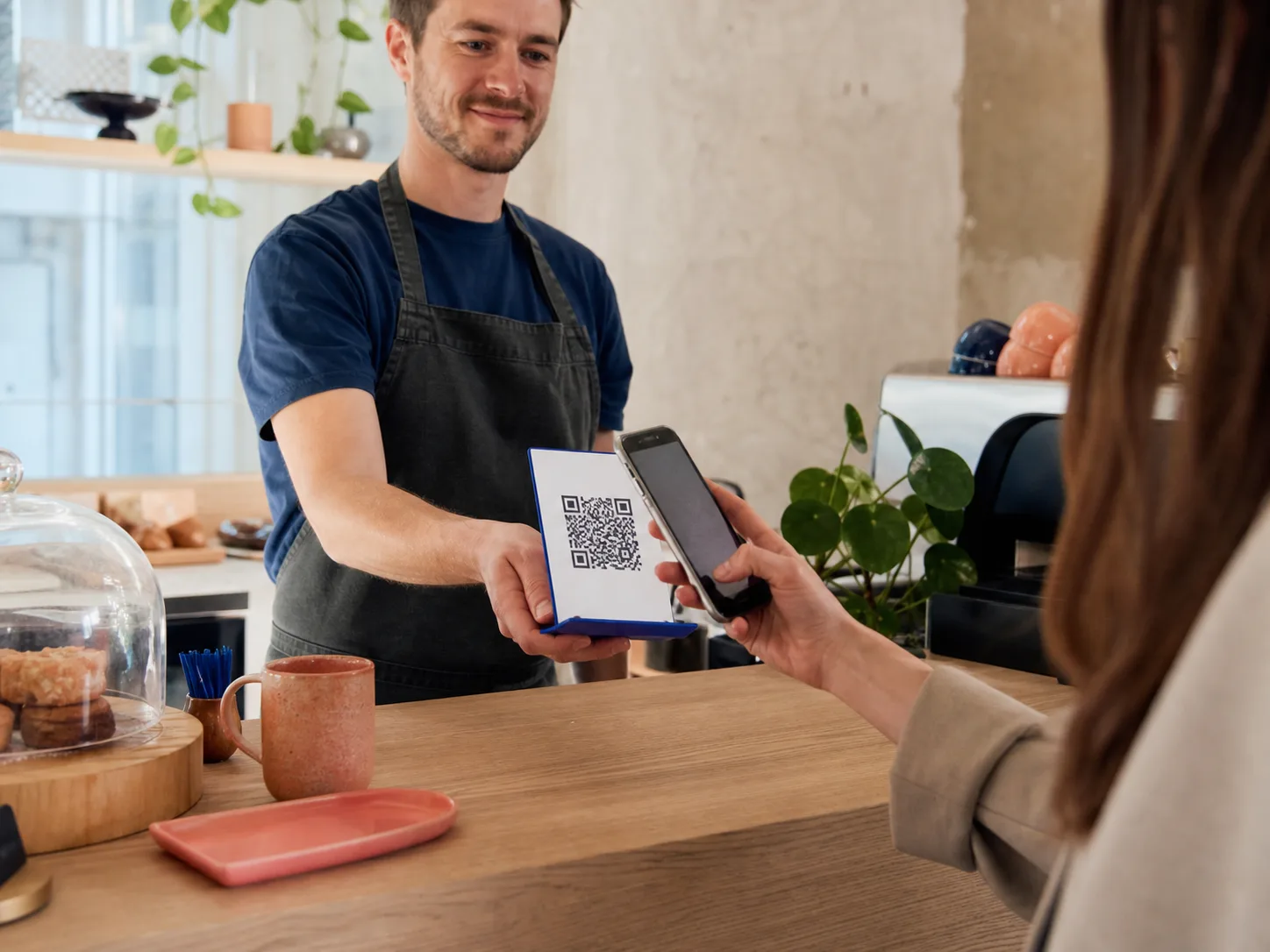
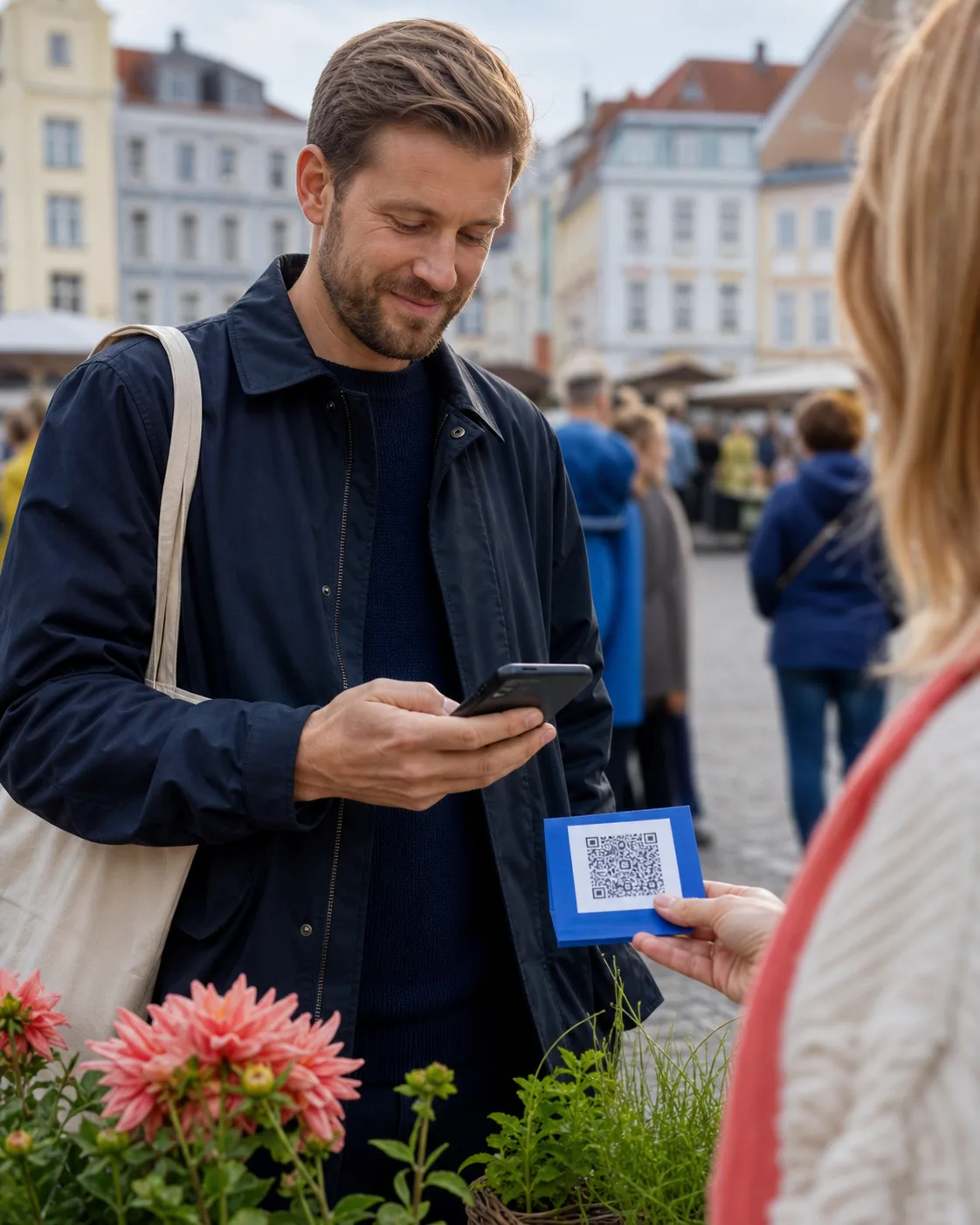
Ways to use Paydot
Choose the option that fits the sale. Track every payment from the same merchant portal.
Payment request
 Counter 01
Checkout
Who handles the payment
Paydot creates the payment request, sends the customer to their bank and displays the returned status.
Paydot isn’t a bank and doesn’t hold customer funds. Plaid B.V. provides payment initiation and bank connectivity.
Payment initiation services are provided by Plaid B.V. Availability depends on participating banks and markets.
Learn more
Get started
Create your Paydot account, then take your first payment from a link, a QR code or your checkout.